Skip to content
Wang Zixiao
HomeAboutProjects09
/

Contact

zixiao.wang0416@outlook.com ↗
© 2026 Wang Zixiao
01

The Perfect City

02

Align

03

Featherland

04

Emergency Refuge

05

New "Garbage" City

06

The Ideal Workspace

07

Marshgate Doppelgänger

08

Ironic Shaxi

09

A Renting Story

10

FUTURE

DESTINATION UNKNOWN

LOADING

The Perfect City — project hero footage

The Perfect City

01 / Project overview

← All projects

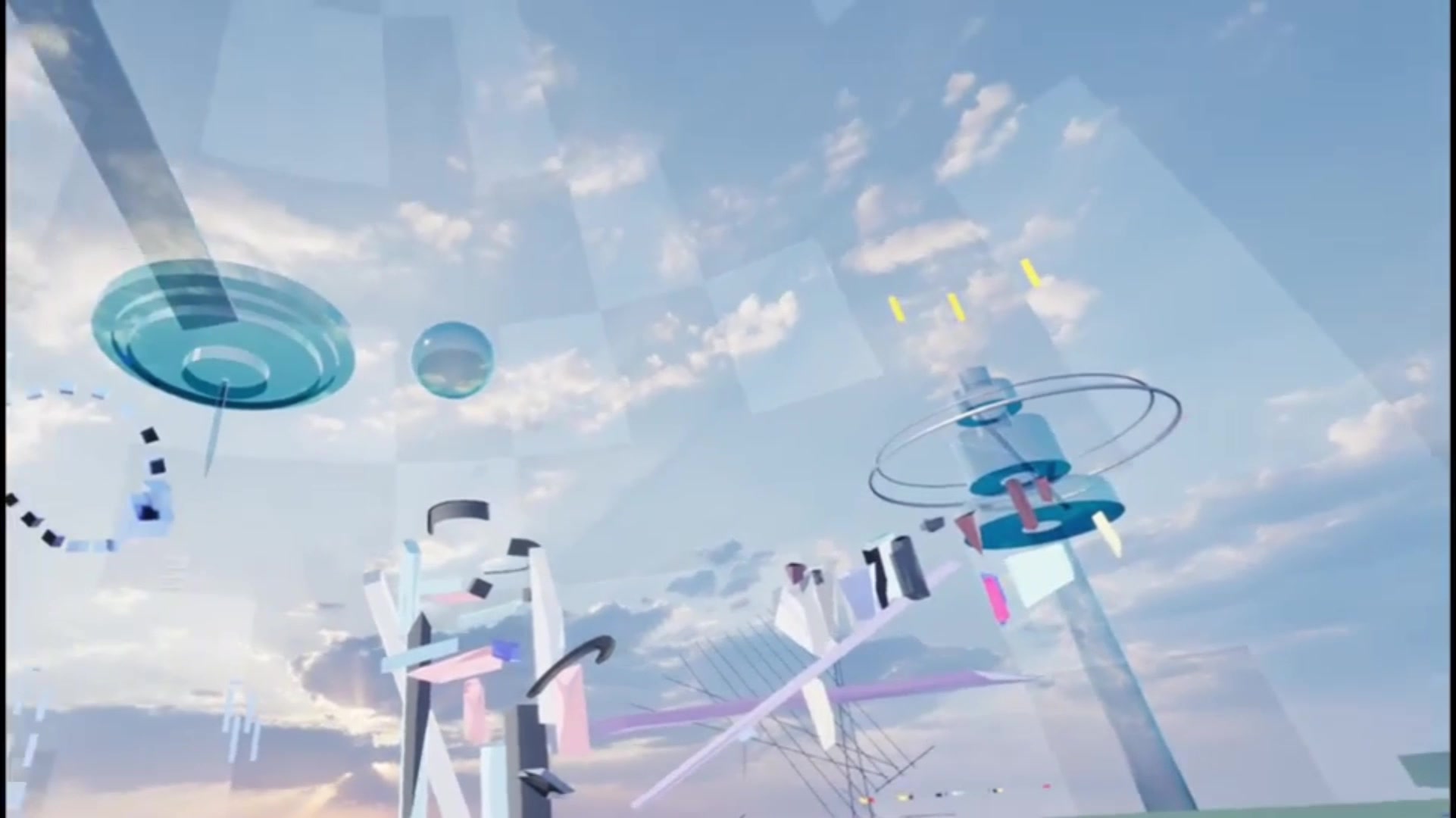
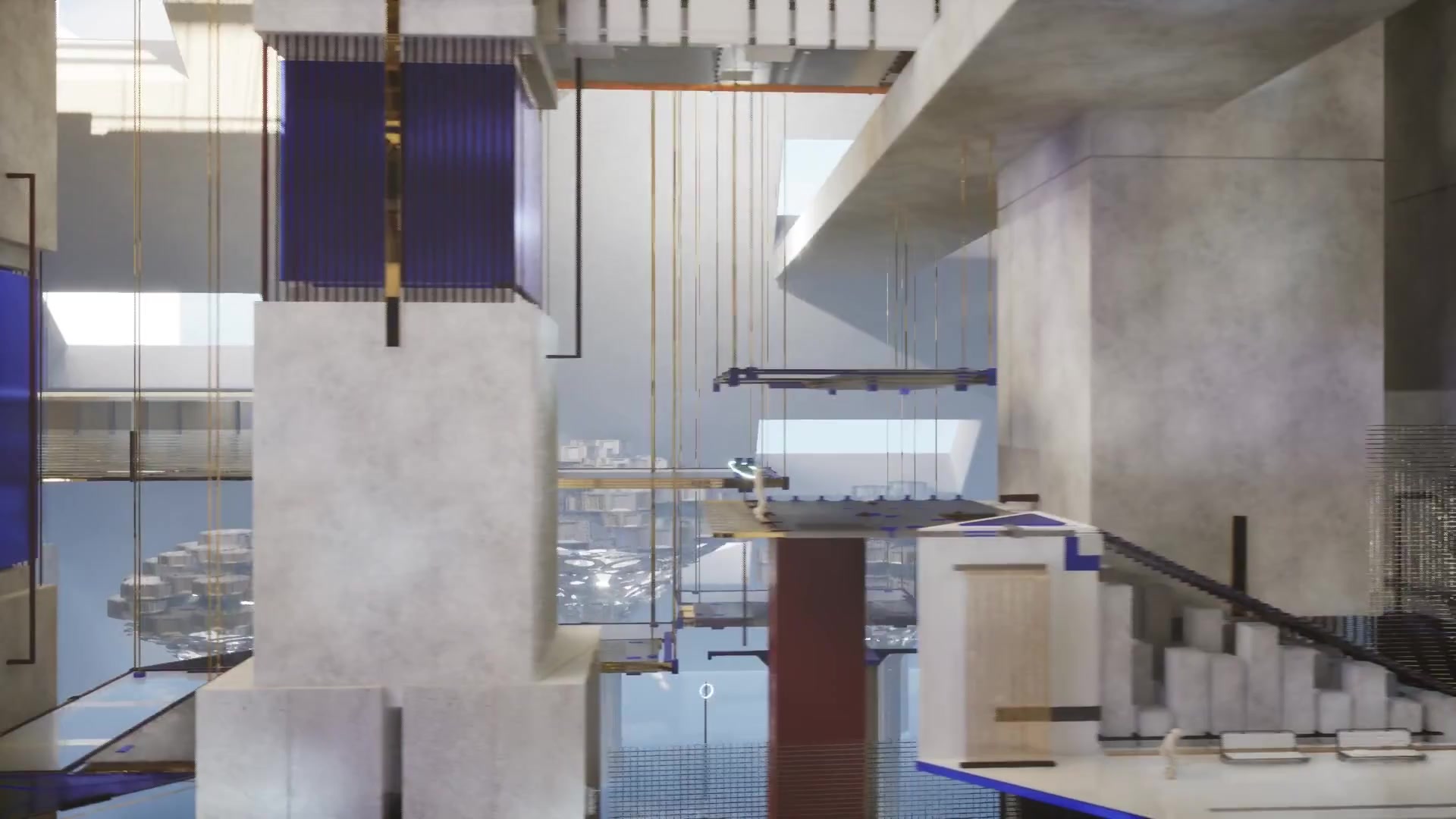
The Perfect City is a third-person narrative adventure set millions of years ahead in Diaspar, Earth’s last city, where a central system controls everything. Players use Trace to expose surveillance and erased histories. Inspired by the science fiction novel The City and the Stars, the project explores technology, curiosity, privacy and freedom.

Discipline
Third-person Narrative Adventure Game
Role
Game Designer · Programmer
Team / Time
3-person Project · 2026.03–2026.09

Artefact

CORE MECHANIC — TRACE

REVEAL — PERCEIVE HIDDEN INFORMATION

Pressing R sends a scan wave out from the player. As it passes through the environment, traces erased by the System are revealed: hidden objects gradually appear, footprints left by previous residents light up, and concealed surveillance devices become visible. Acquired through the story, Trace becomes the player’s primary way of exploring Diaspar.

VISUAL & DETECTION SYNC

A single timeline drives both the scanner’s scale and its material opacity. The visible wave and the detection range are always the same shape, so what players see is exactly what gets scanned.

DECOUPLED RESPONSES

The scanner only detects and sends a message through a shared interface; each object decides how it reacts. New scannable objects can be added without touching the scanner.

SEPARATED PUZZLE STATE

During a scan, the scanner only records which puzzle nodes it touched, then reports once to the Puzzle Manager. Puzzle logic stays in one place and the scanner remains reusable.

CLEAN LIFECYCLE

Each scan is a temporary actor. When the timeline finishes, it disables collision before destroying itself, so no leftover volume can trigger further events.

NARRATIVE SYSTEMS

DIALOGUE — UNCOVER THE WORLD

Players interact with both the System and NPCs to uncover the world, progress the narrative and obtain key information.

DATA-DRIVEN CONTENT

Each conversation is stored as a row in a Data Table containing an array of lines. Each line stores its text, speaker type (Player, NPC or System), speaker ID and optional voice-over. NPCs only reference a row name, so dialogue can be added or revised without changing blueprints, while localisable text keeps the system ready for translation.

CENTRAL DIALOGUE MANAGER

Every conversation goes through a central manager that creates the UI, reads the data and tracks playback state. New requests are rejected while dialogue is playing to prevent overlaps. NPC conversations, player monologues and System announcements share the same table and playback pipeline, with rows named by location, subject and type for easier management.

EVENT-BASED HANDOFF

When a dialogue finishes, the widget notifies the manager through an event. The manager removes the UI and broadcasts a “dialogue finished” event with the corresponding row name, allowing other systems to continue the flow. For example, finishing the final Control Room dialogue triggers the ending choice.

PROXIMITY PROMPT

Each NPC uses two trigger ranges. Entering the outer range shows a speech bubble above the NPC to signal an available conversation, while entering the inner range starts it. Once triggered, the NPC records its state and hides the prompt, preventing the same conversation from playing again.

ADDITIONAL IMPLEMENTATION

  1. 01

    MENU & PAUSE

    Main menu and pause menu integrated with the game state and gameplay flow.

  2. 02

    LOADING SYSTEM

    A custom C++ / Slate loading screen handles level transitions and provides visual feedback during loading.

  3. 03

    LEVEL FLOW

    Level progression coordinates interactions, narrative events, ability unlocks and environmental changes throughout the game.

  4. 04

    TUTORIAL

    Contextual tutorials are triggered by gameplay progress to introduce new abilities and controls when they become relevant.

Full Walkthrough

TOOLS USED

Unreal EngineBlenderRhinoAdobe Substance 3D DesignerAdobe Premiere ProUnreal EngineBlenderRhinoAdobe Substance 3D DesignerAdobe Premiere Pro

Next project

02

Align

↗
Align — frame from the supplied hero